is my dental data safe with ar 32
We take your dental data seriously. Your records sit in the clinic's own records system, not with a listing platform, and the patient portal opens only with your password. Our privacy and data security policies are published in the portal. Your part matters too: keep your password private, log out on shared devices, and use a different password from family members.
It's a fair question to ask any clinic. Your dental file holds more than tooth charts: your medical history, medicines, allergies, pregnancy status if you told us, X-rays, phone number, address and what you have paid. Here is what we can say plainly about how it is handled, and the part only you can play.
Where your records live
Your file is held in the clinic's own records system, the same system that runs our appointments, treatment proposals and billing. Dr Avinash Bamane built it so that an independent practice can manage its records without handing its data to a corporate chain. We also stopped taking appointments through listing platforms, and book only through our own system. You can read our privacy policy on the website, and the Clinic Policies section of your dashboard includes the privacy and data security policies.
How the portal protects access
- Password sign-in. You log in with your registered mobile number or email and a password. There is no OTP, so the password is the lock.
- One file per person. Even when family members share a mobile number, each signs in with their own password and sees only their own file.
- Time-limited resets. A password reset link goes to your registered email and expires in one hour.
- New accounts are checked. Self-registrations wait for front-desk approval before a portal account exists.
- Payments. Card and netbanking payments go through the Razorpay checkout. UPI and bank-transfer proofs are held as pending until our team verifies them against the account.
What you can do
Most real-world leaks of personal health information happen at the user's end, not the clinic's. A few habits close most of the gaps:
- Choose a strong, private password. Not your birthday, child's name or two-wheeler number. Make it at least 8 characters.
- Don't share passwords inside the family. If a parent or teenager uses your password, they see your notes. Give each person their own.
- Log out on shared devices. Office desktops, family laptops and cyber-cafés. Don't let the browser save the password there.
- Never forward your reset email or share your portal password with anyone who calls or messages, whoever they say they are.
- Keep your contact details current. If you change your SIM or email, tell reception, so reset links and receipts don't land with someone else.
What we won't promise
No clinic, hospital or bank can honestly promise that any computer system is beyond attack, and we won't. What we can do is keep access limited to the people involved in your care, publish our policies, and answer your questions directly.
If you think someone else has got into your portal, change your password through the Forgot Password page straight away and call us on 8484 990 678 so we can look into it. For related questions, such as who can see your file and whether we share it, see the rest of our patient portal questions.
Want this looked at properly?
Kharadi runs late. Reception will tell you honestly whether you need an appointment yet.
Book — Rs 500 ☎ 8484990678Related questions
Read the full guide
Complete articles from our dental health blog, written by our MDS panel.
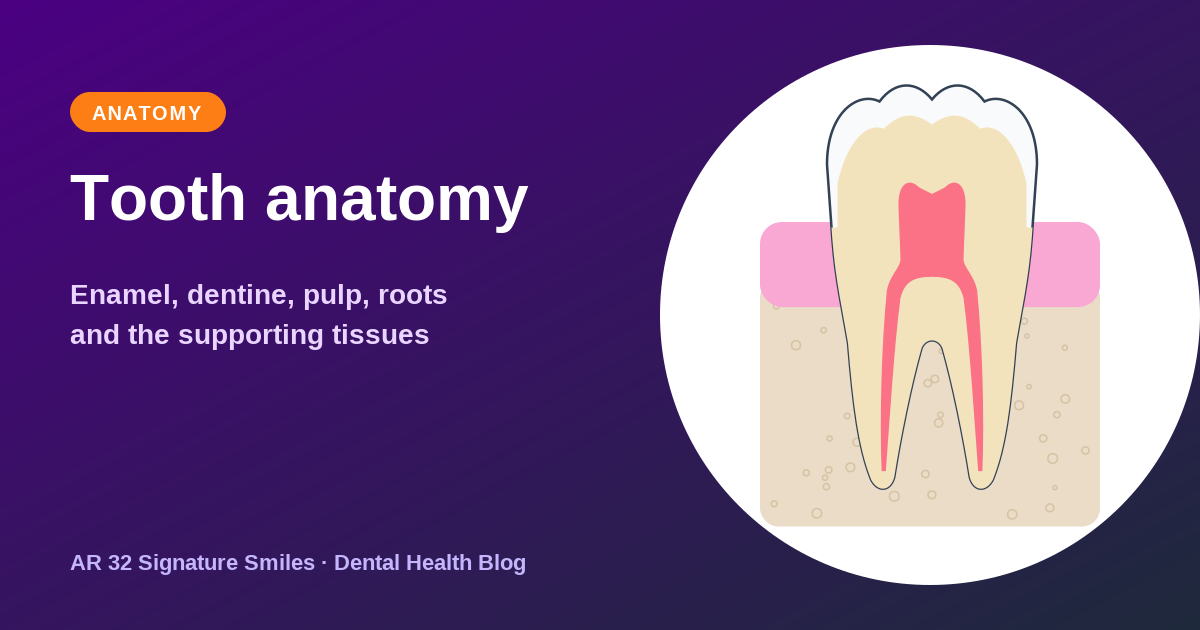 Teeth: anatomy and scienceTooth anatomy5 min read
 Oral health and general healthDiabetes and oral health5 min read
 Dental emergenciesSevere toothache6 min read