how do i use the ar 32 patient portal
Open the AR 32 patient portal login page, sign in with your registered mobile number or email and your password, and the dashboard opens. From there you can check your next visit, read prescriptions and clinical notes, review quotes, pay dues and see X-rays. First-time users set a password with their Patient ID; new patients register first.
The portal is built around one idea: the paperwork of your dental care should sit in one place you can open from your sofa at night, not scattered across WhatsApp chats and paper files in a drawer. Here is how to use it, step by step.
Step 1: Get in
Open the patient portal login page in any browser. You sign in with your registered mobile number or email and your password. There is no OTP; the password is the key.
- Visited us before but never used the portal? Choose "First Time User? Setup Password". Enter your Patient ID (a format like P2026-0001) and your registered mobile or email, then create a password of at least 6 characters.
- Never visited? Choose "New Patient? Register Here". The form asks for your name, a 10-digit mobile number, email and gender, then your area, reason for visit and medical history. The front desk confirms new registrations before the portal opens, so allow a little time.
Step 2: Go straight to what you came for
Most people log in for one job. Here is where each one lives:
- "When is my next visit?" The top of the dashboard shows your upcoming appointment with date, time and doctor. The Appointments section has the full history.
- "What medicine was I given?" Open Prescriptions.
- "What exactly was done last time?" Clinical Notes, which you can print as a full set.
- "How much will my treatment cost?" Treatments & Quotes shows pending plans with costs and printable quotes. If your dentist has shared a treatment proposal, you go through it tooth by tooth, compare the options and payment choices, and submit your decision.
- "What do I owe, and did my payment reach you?" My Wallet shows your balance, invoices, receipts and any payment proof still waiting for verification.
- "Is my crown back from the lab?" Lab Works lists the restoration, tooth numbers, shade, lab and expected delivery date.
- "Where are my X-rays?" X-Rays & Files, the vault for images and documents added to your record.
Step 3: Act on it
The portal is not only for reading. From inside it you can book your next visit through the booking engine, which keeps the visit attached to your existing file; pay dues or recharge your wallet from the portal payment hub; upload proof of a UPI or bank transfer; and read clinic policies such as consent, sterilisation and refunds before you sign anything.
Habits that save trouble
- Shared family number? Each family member has their own password, and the password decides whose file opens. Choose different passwords, or the portal will have to stop and ask who is signing in.
- Office or family computer? Always use Logout when you finish. Your clinical notes deserve the same privacy as a medical report.
- Before a big decision, print the quote summary and read it at home over chai, with nobody waiting at your elbow for an answer. That is how we want treatment decisions made: in your own time, with the plan written down.
What the portal won't do
There is no chat window to your dentist. For questions, call or WhatsApp us on 8484 990 678. And if you have facial swelling, bleeding that won't stop or severe pain, don't spend time logging in: call us, and read our emergency dentist page.
Want this looked at properly?
Kharadi runs late. Reception will tell you honestly whether you need an appointment yet.
Book — Rs 500 ☎ 8484990678Related questions
Read the full guide
Complete articles from our dental health blog, written by our MDS panel.
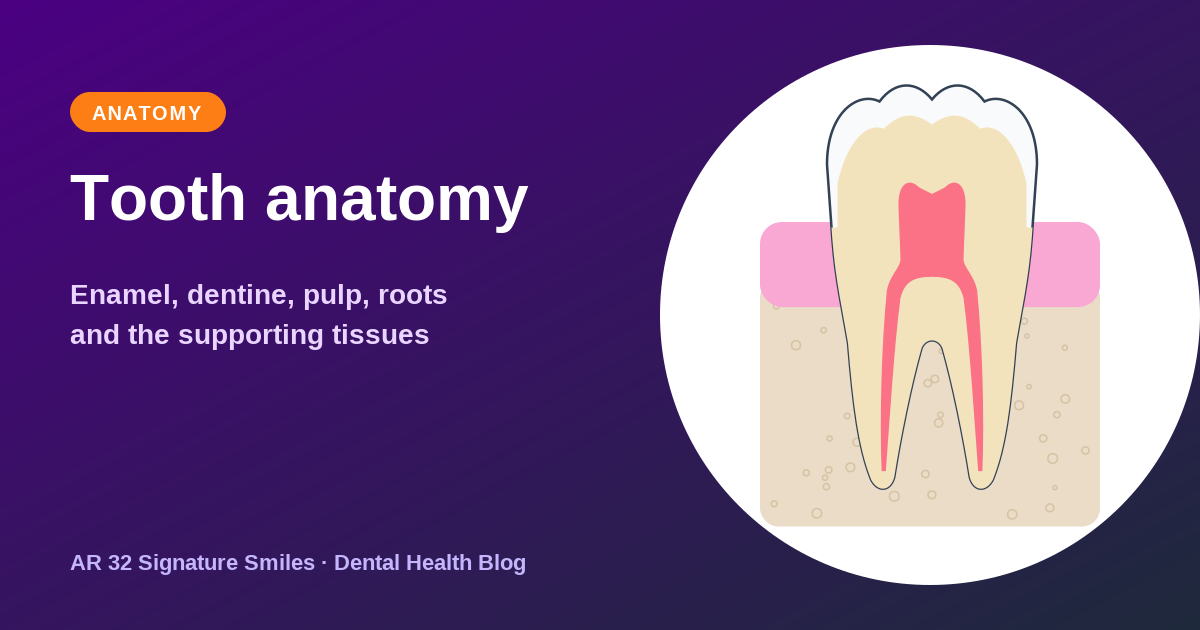 Teeth: anatomy and scienceTooth anatomy5 min read
 Oral health and general healthDiabetes and oral health5 min read
 Dental emergenciesSevere toothache6 min read